Know who has what.
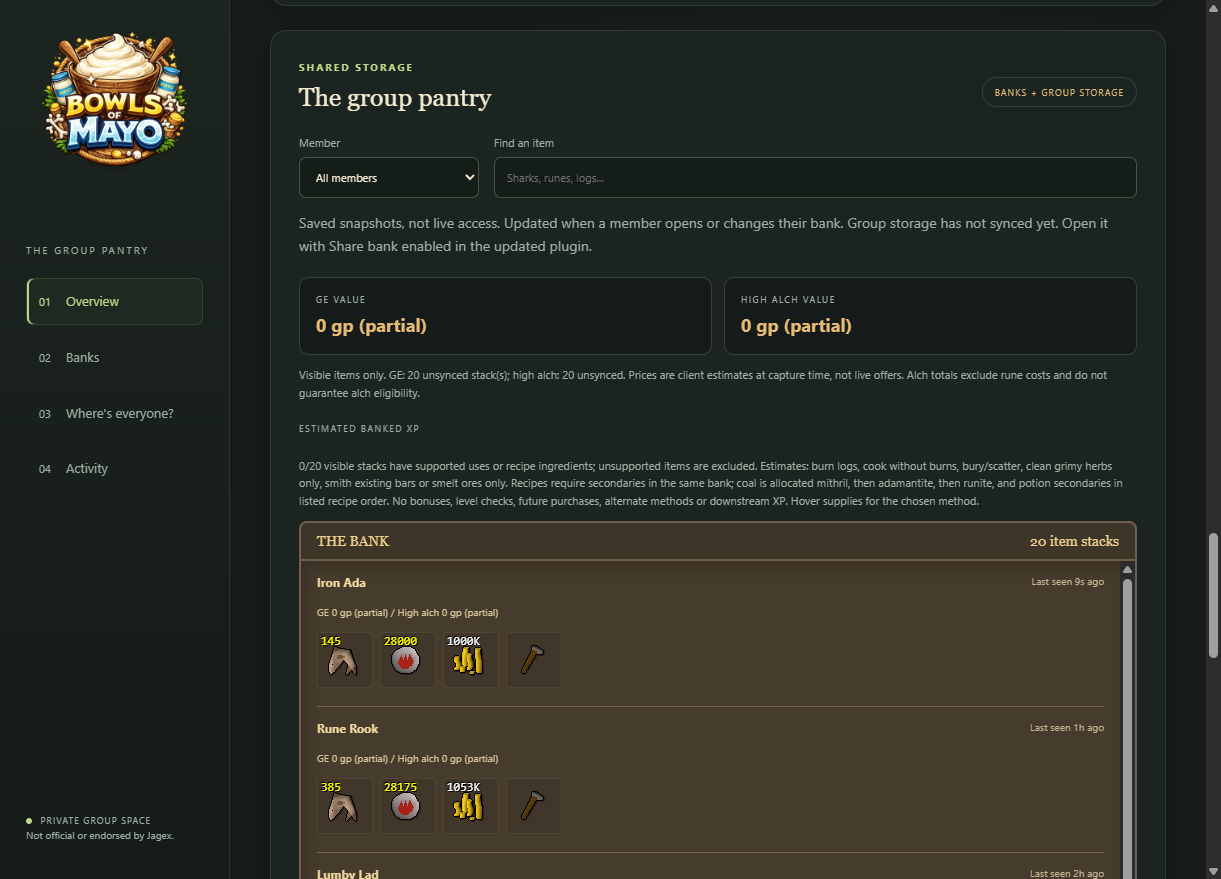
Browse shared bank snapshots and Group Ironman storage, with real bank tabs and item search. Spend less time asking where the supplies went.
 BowlsOfMayoGROUP IRON COMPANION
BUILT FOR GROUP IRONMAN
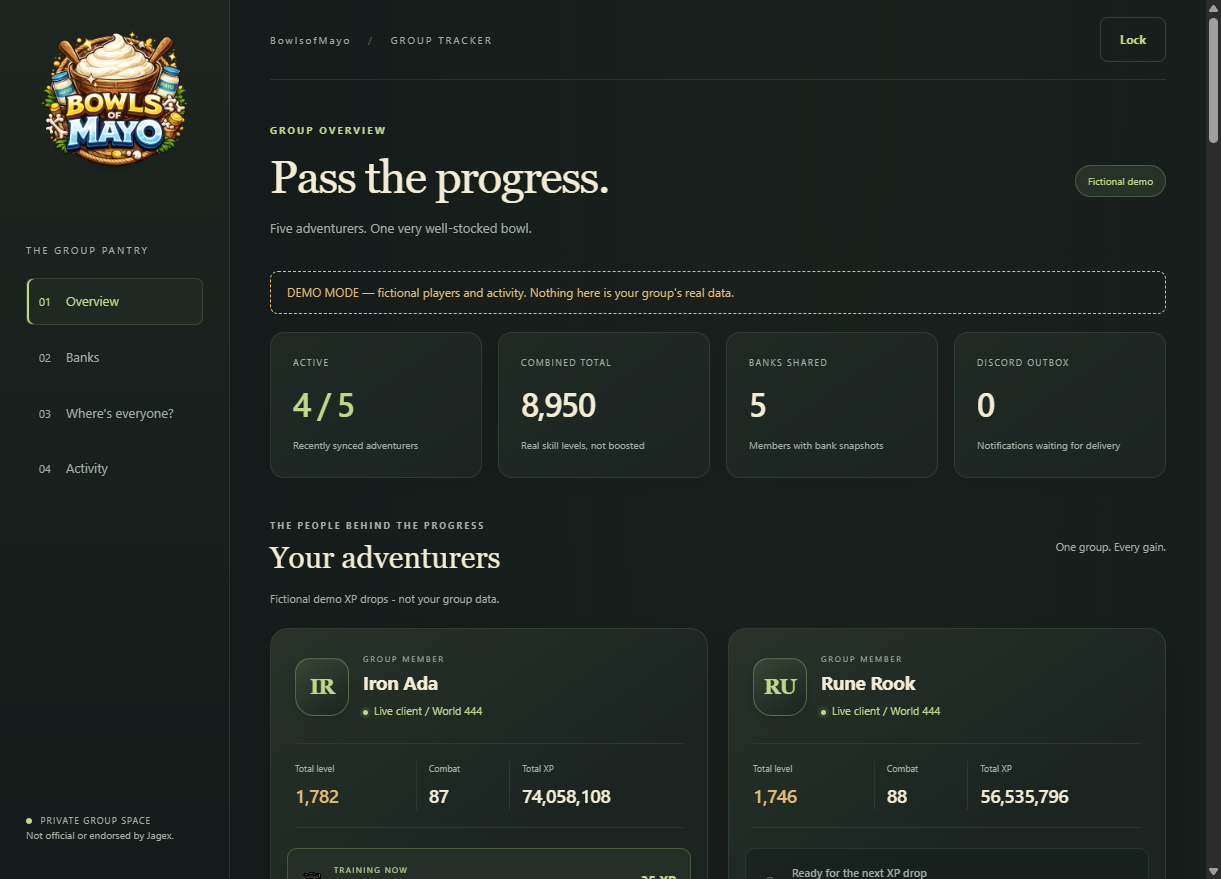
Group Iron Companion brings your team's banks, progress and adventures into one place. An opt-in RuneLite plugin, a self-hosted web dashboard, and a Discord bot that keeps your group in the loop.
Your group's server. Your sharing choices. No RuneScape password required.
LESS ASKING. MORE ADVENTURING.
Browse shared bank snapshots and Group Ironman storage, with real bank tabs and item search. Spend less time asking where the supplies went.
Follow shared skills and XP, boss kill counts, loot, and quest and achievement diary completions. Choose which game events reach Discord.
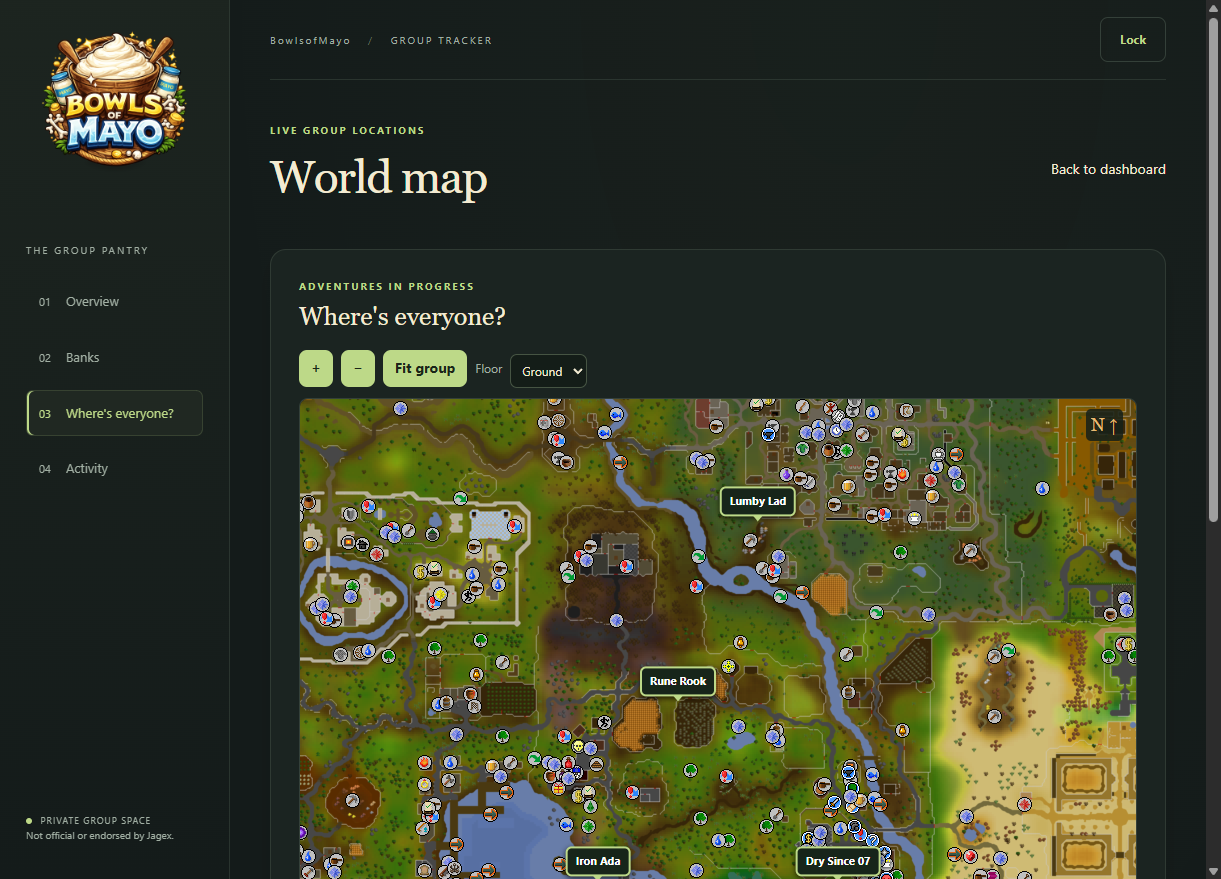
See shared player locations and worlds on the dashboard map, alongside your group's latest activity.
Manage group access, website colors, branding and Discord message styles from the web panel. Each character gets its own token.
A HOME FOR YOUR GROUP
Each group hosts its own backend and Discord bot. This is not a public signup service.
Run the backend on Node.js 22 or newer, configure your Discord bot, and give your server an HTTPS address.
Backend setup guideThe owner runs !verify in the configured Discord channel, signs into the dashboard with the private owner key, and creates character tokens.
Search for Group Iron Companion in RuneLite's Plugin Hub. Enter your group's backend URL and your character token, accept the connection consent, and choose what to share.
Plugin instructionsOPT-IN, NOT AUTOMATIC
Your group's operator can read and store the data you send. Sharing options control additional uploads such as banks, locations, GIM chat and gameplay alerts; enabled alerts may also be posted to Discord.
Turning sharing off does not delete previously uploaded data. Keep owner keys and character tokens private, and never enter your RuneScape password.
Open our private panel with your existing owner key or member token.